> ## Documentation Index
> Fetch the complete documentation index at: https://lago-ftr-wallet-improvements.mintlify.site/llms.txt
> Use this file to discover all available pages before exploring further.
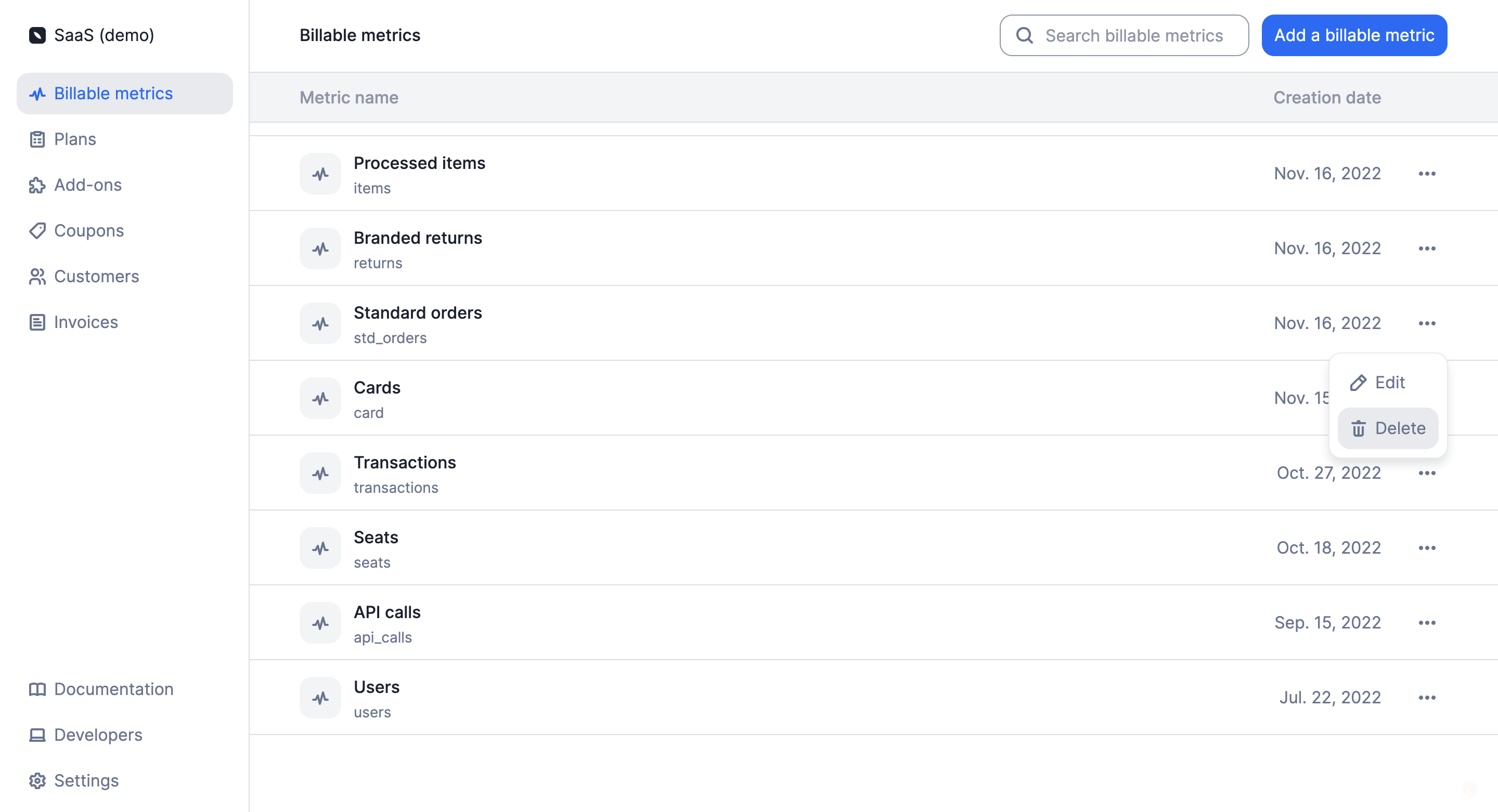
# Delete billable metrics
You may delete a billable metric linked to [charges](/guide/plans/charges) associated
with existing [subscriptions](/guide/subscriptions/assign-plan).
If you do so:
* The events associated with this billable metric, which are assigned to the
current billing period or linked to `draft` invoices, will be immediately
deleted;
* The charges associated with this billable metric will be immediately removed
from all plans and existing subscriptions;
* The charges associated with this billable metric will no longer be included in
the [current usage](/api-reference/customer-usage/customer-usage-object) of the customers
concerned; and
* The charges associated with this billable metric will be immediately removed
from all `draft` invoices linked to these subscriptions.
However, the charges associated with this billable metric will still be included
in all `finalized` invoices linked to these subscriptions.
After deleting a billable metric, you can create a new one using the same
code. However, past events will not be linked to this new billable metric.
```bash Delete "Storage" metric
LAGO_URL="https://api.getlago.com"
API_KEY="__YOUR_API_KEY__"
curl --location --request DELETE "$LAGO_URL/api/v1/billable_metrics/storage" \
--header "Authorization: Bearer $API_KEY"
```