

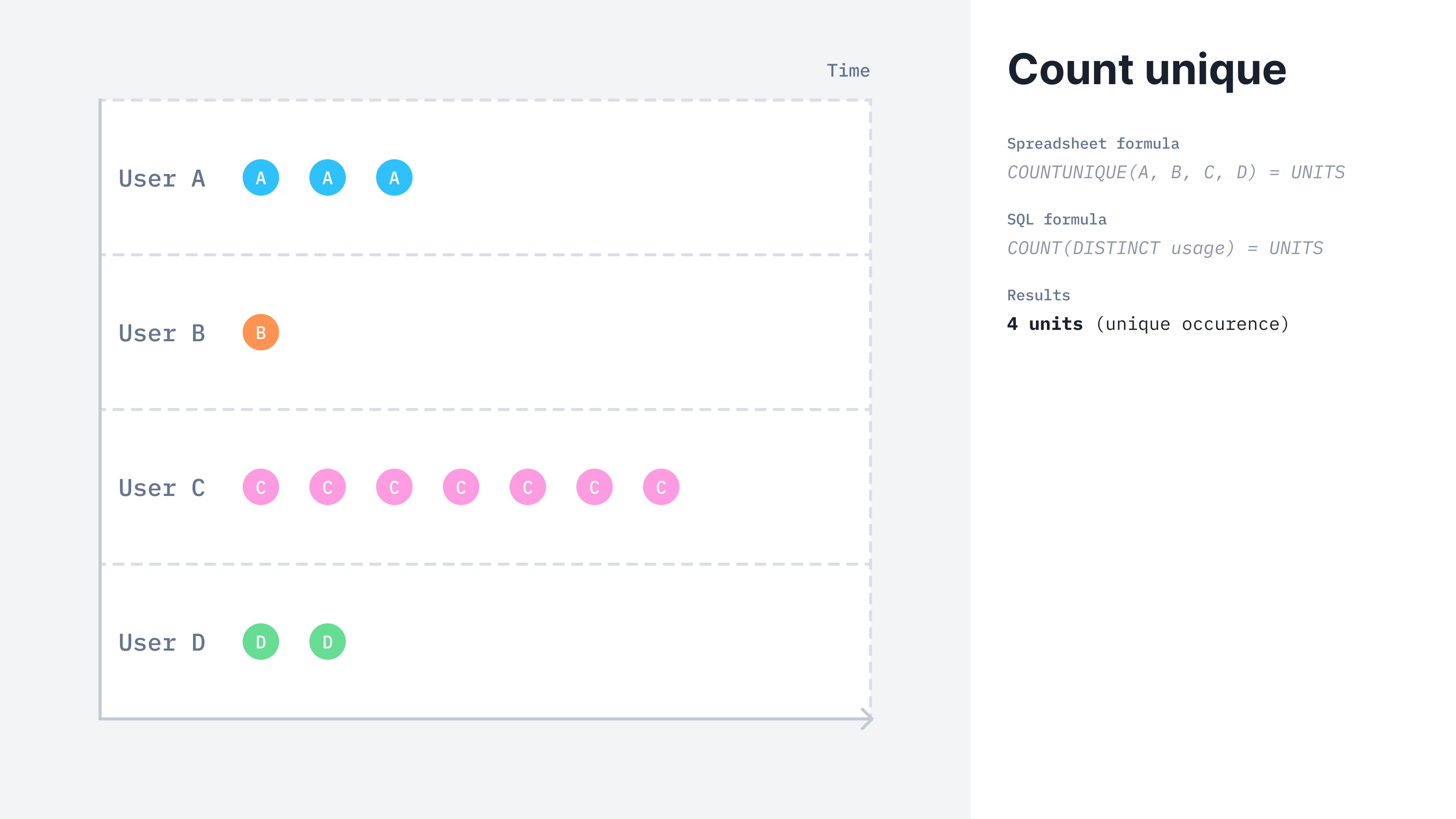
UNIQUE COUNT calculation method
UNIQUE COUNT billable metric
- Dashboard
- API
Here is how you can create a unique count aggregation from the UI:
- Access the “Billable metrics” section via the side menu;
- Create a new billable metric;
- Define a name, a code and an optional description;
- Select “count unique” as the aggregation type;
- Define it this metric is
meteredorrecurring; - Define the property to aggregate;
- Apply dimension groups if any; and
- Click “Add billable metric”.
This billable metric can be both
metered or recurring.Calculation example
Lago calculates theCOUNT_DISTINCT(events.properties.property_name) for the two following events received.
request_id property in the event payloads, resulting in a billable value of 1 unit.